Civics Test
Overview
The civics test is the heart of the naturalization exam. During the actual USCIS interview, an officer asks you civics questions from the official question list. On the 2008 test, you are asked up to 10 questions and must answer 6 correctly to pass. On the 2025 test, you are asked up to 20 questions and must answer 12 correctly to pass. The officer stops once you have 12 correct or 9 wrong. This app lets you practice with all the questions in two different modes.
Test Versions
The app supports both versions of the USCIS civics test:
- 2008 Test: 100 questions. This version applies if you filed your Form N-400 before October 20, 2025.
- 2025 Test: 128 questions. This version applies if you filed your Form N-400 on or after October 20, 2025.
You can switch between test versions at any time in Settings.
The questions and answers match the current USCIS lists, form M-1778 (09/25) for the 2025 test and the rev. 08/21 list for the 2008 test. Where USCIS prints a note with the answers, such as where to find every federally recognized American Indian tribe, the app shows it with the answers.
The app offers two ways to practice civics questions. Start with Tap Mode to learn the answers at your own pace, then graduate to Interview Mode for realistic spoken practice.
Tap Mode
Tap Mode lets you practice at your own pace. It opens on a setup screen. Under Test Mode, choose Multiple Choice (the default) or Self-Grade, then tap Start Test. In Self-Grade, each question appears with the answer hidden. Think of your answer, tap Show Answer, then tap Correct or Incorrect. Any note USCIS prints with the answers appears under them, so you can tell that a tribe the list leaves out still counts. Multiple Choice is described below.
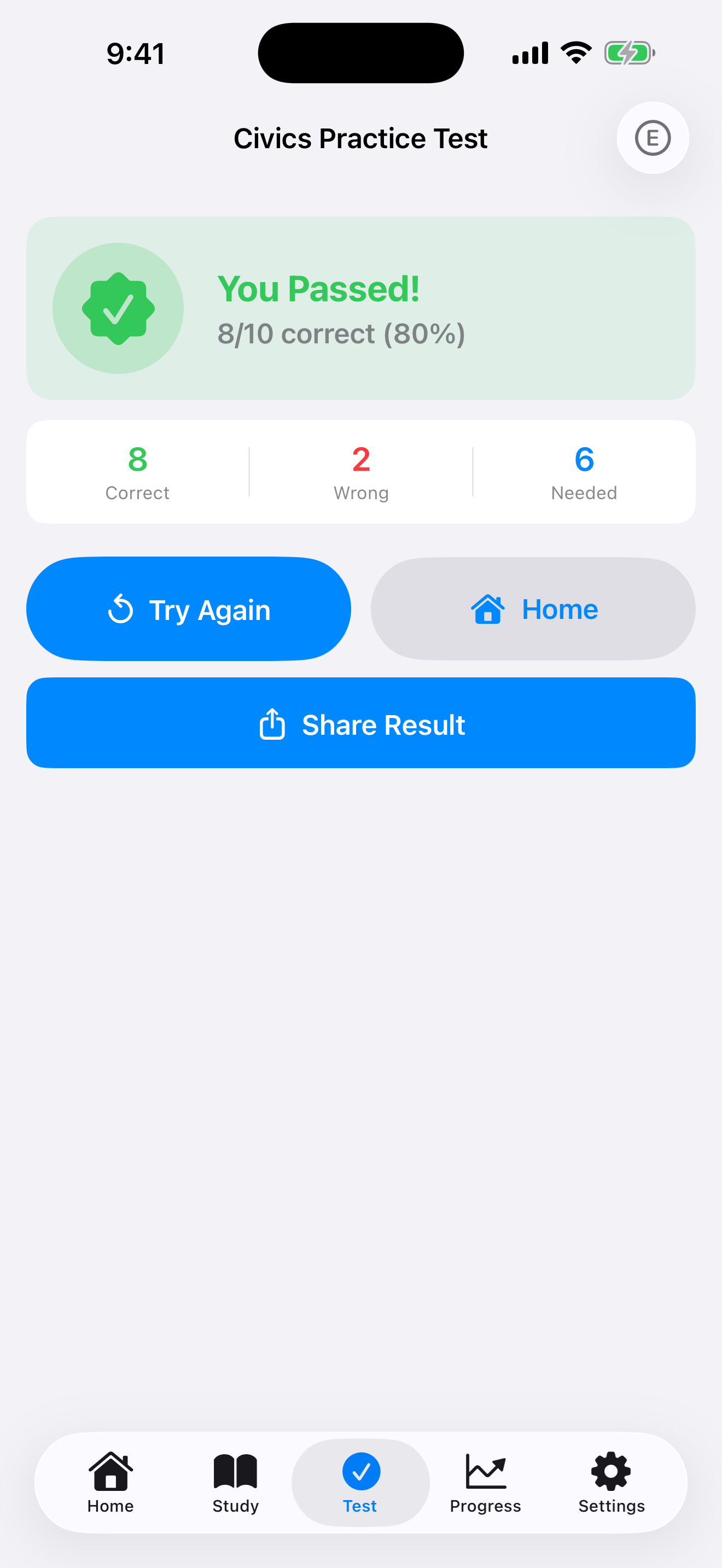
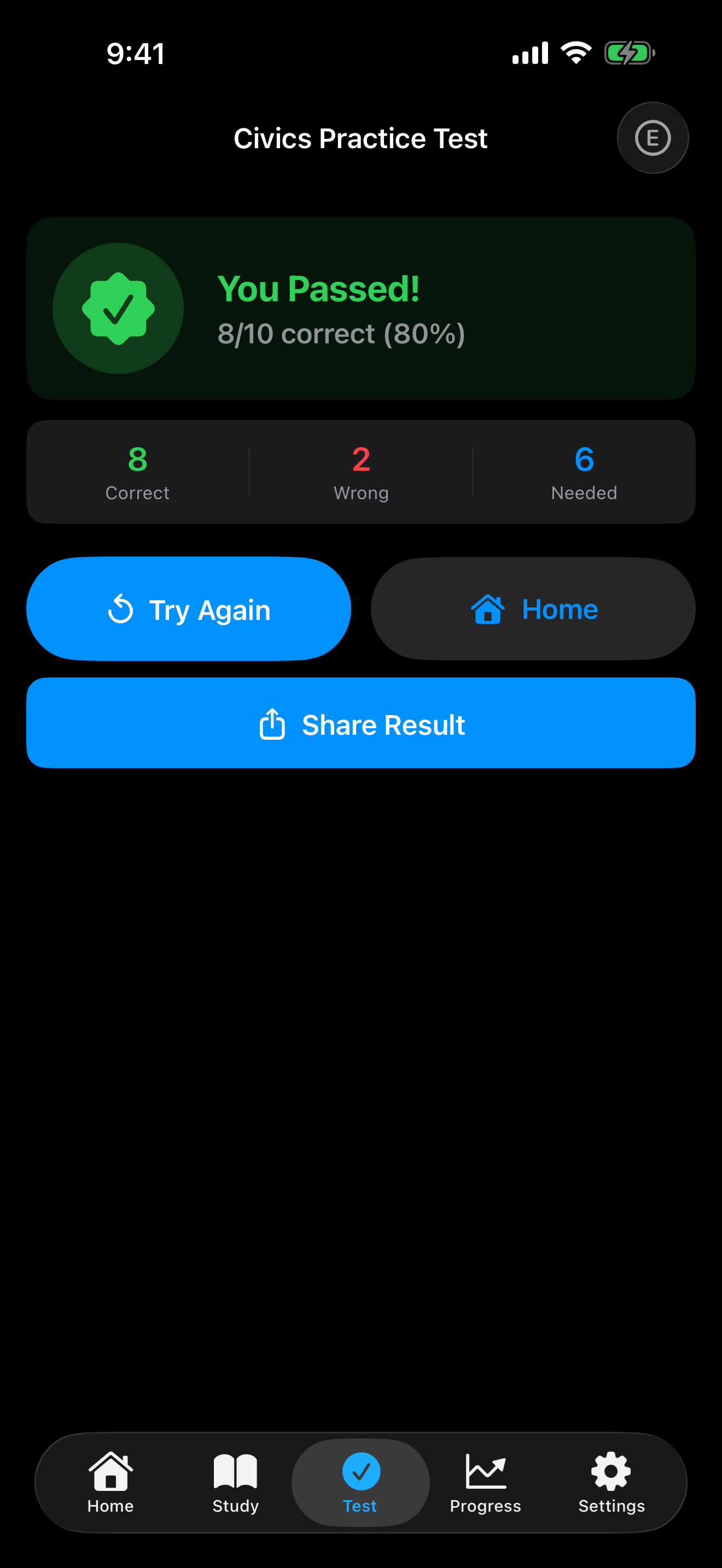
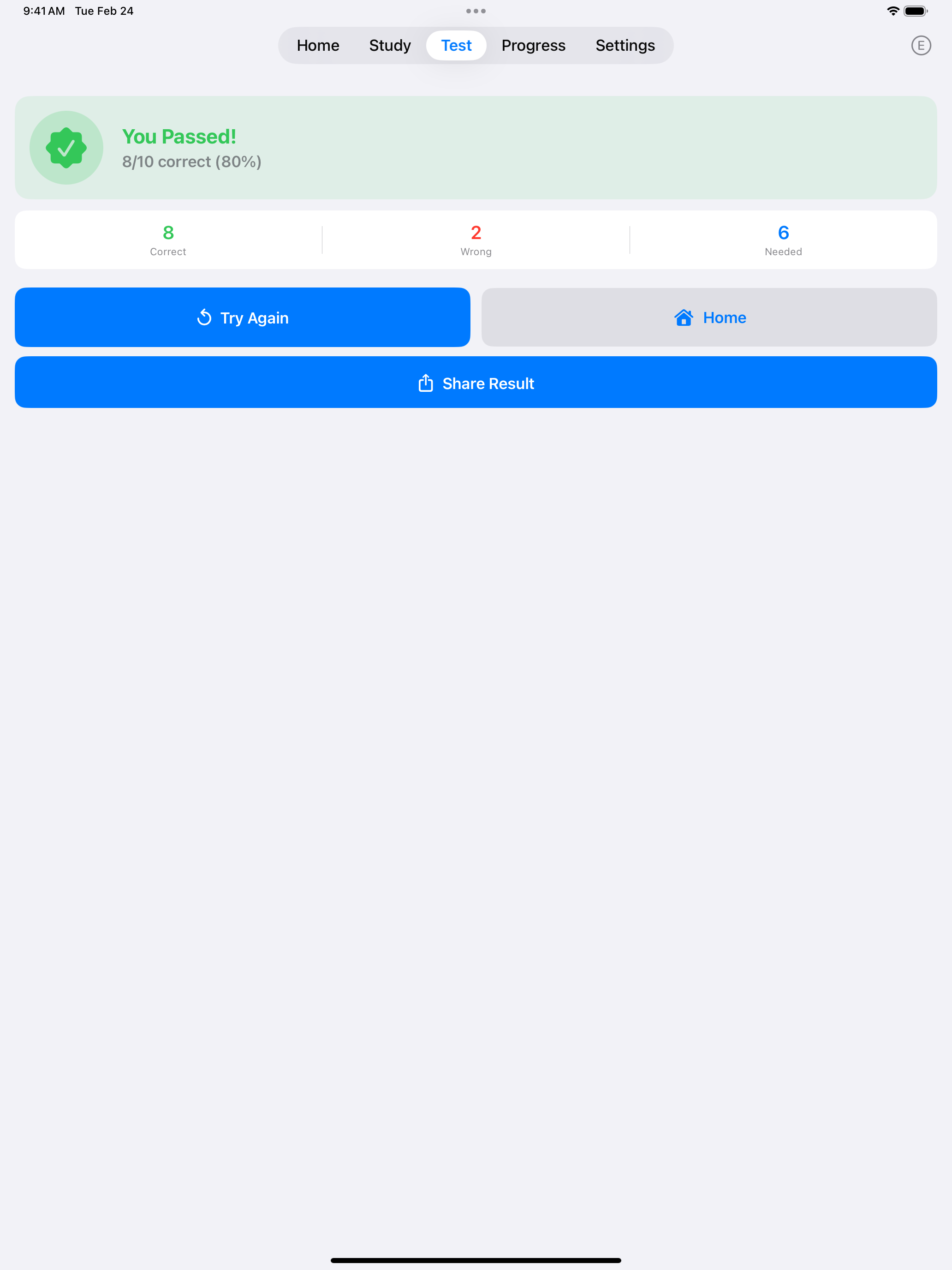
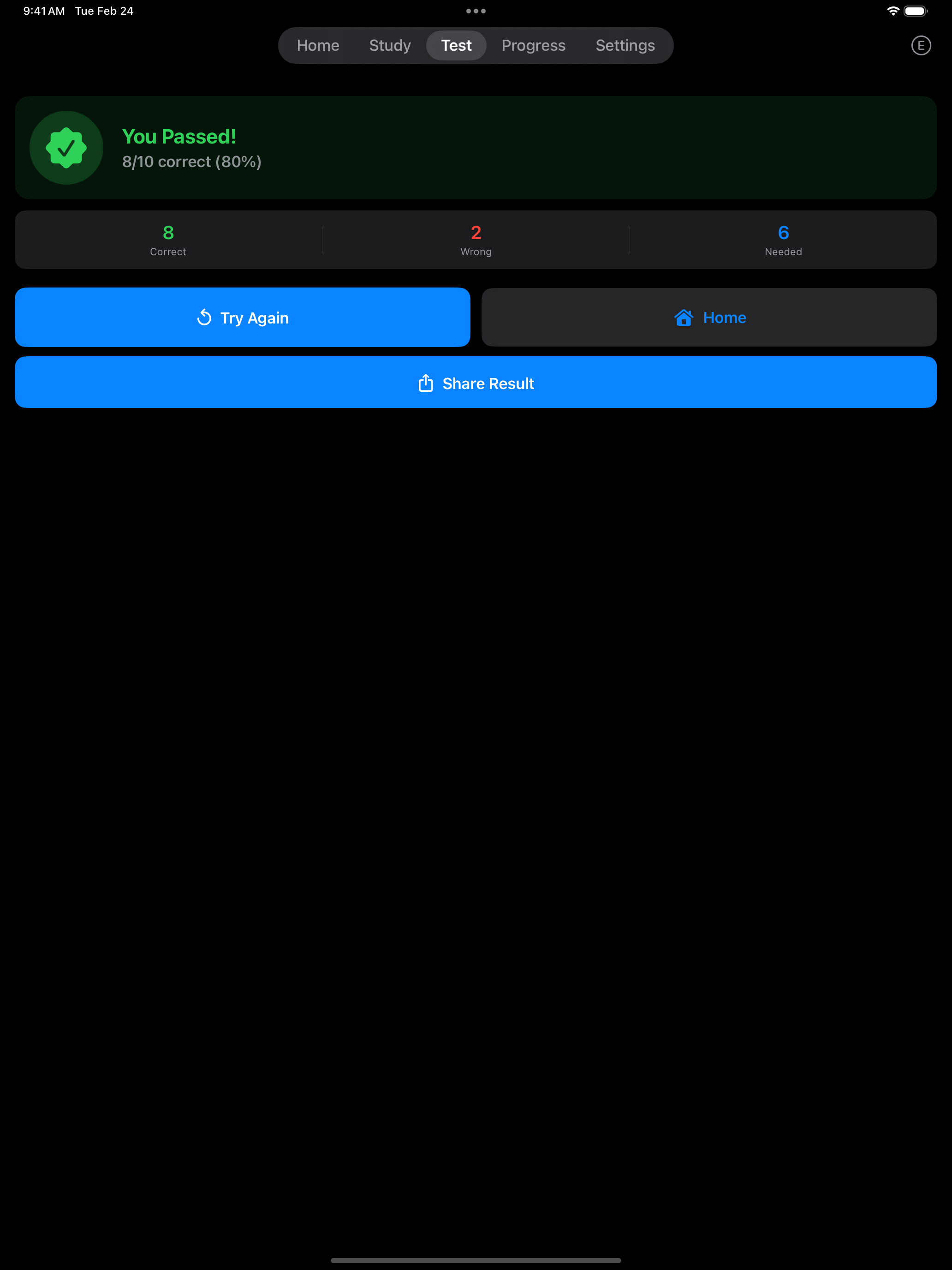
After a practice test you see your score (for example, 8/10) and how many correct answers you needed to pass. With Pro, View Details lists every question from that test with a check or a cross, and you can tap any question to see its answers.
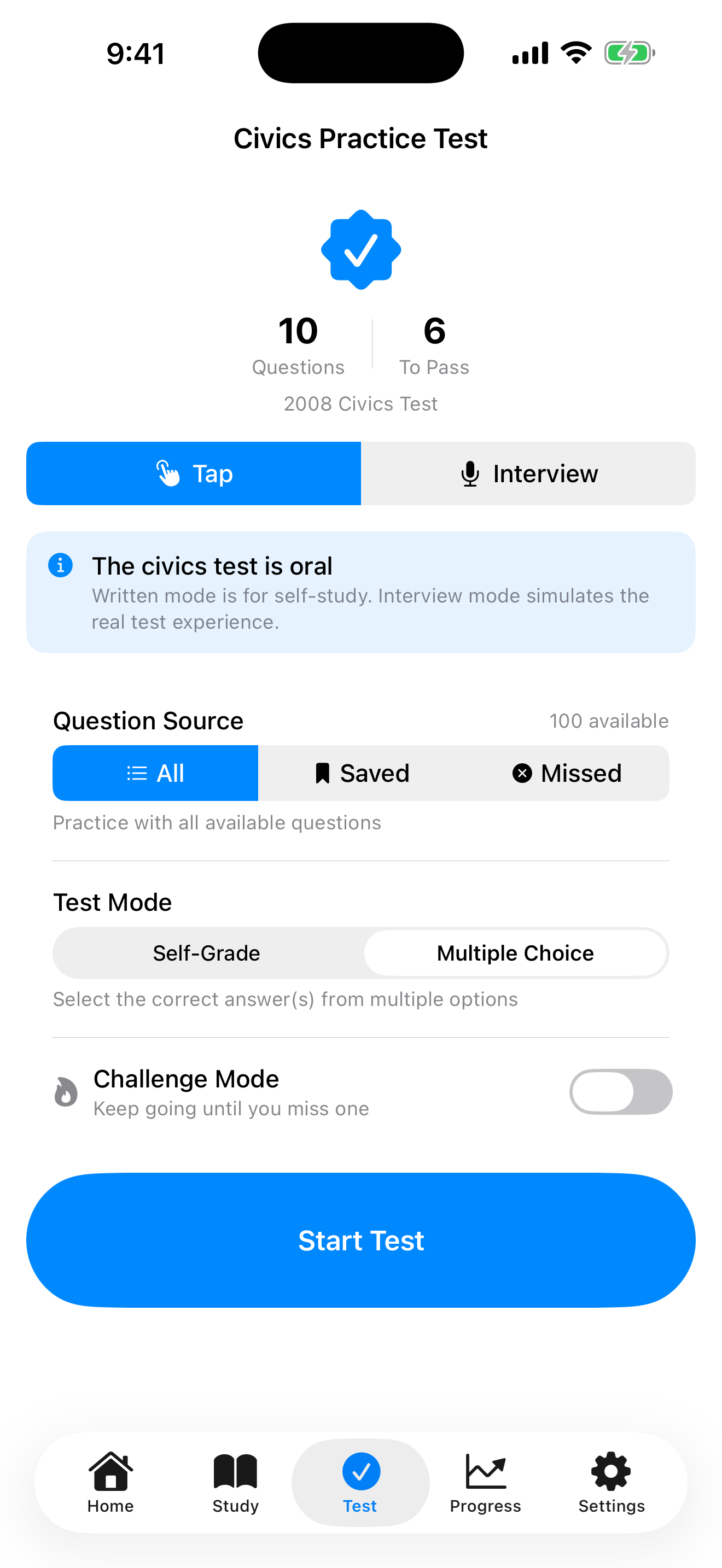

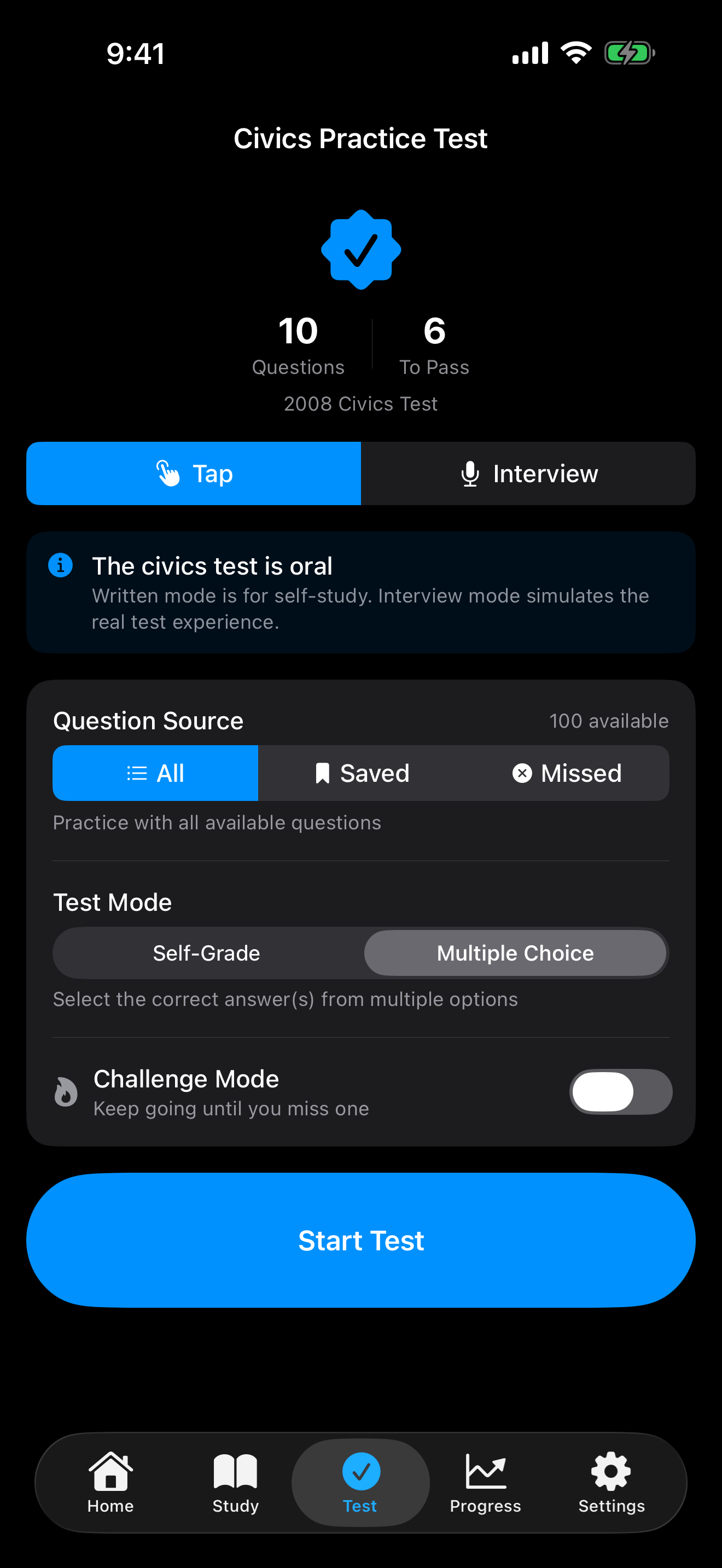
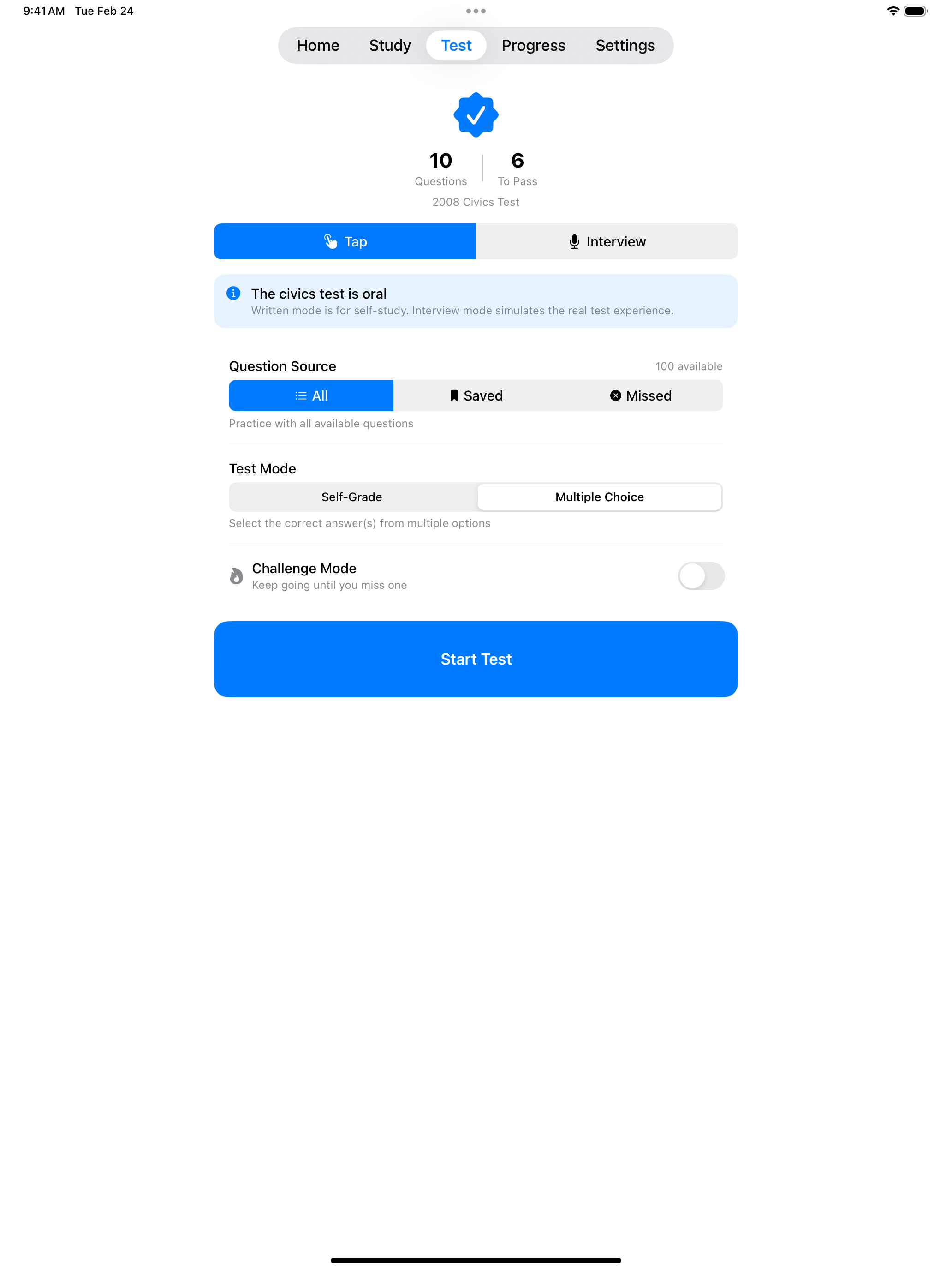

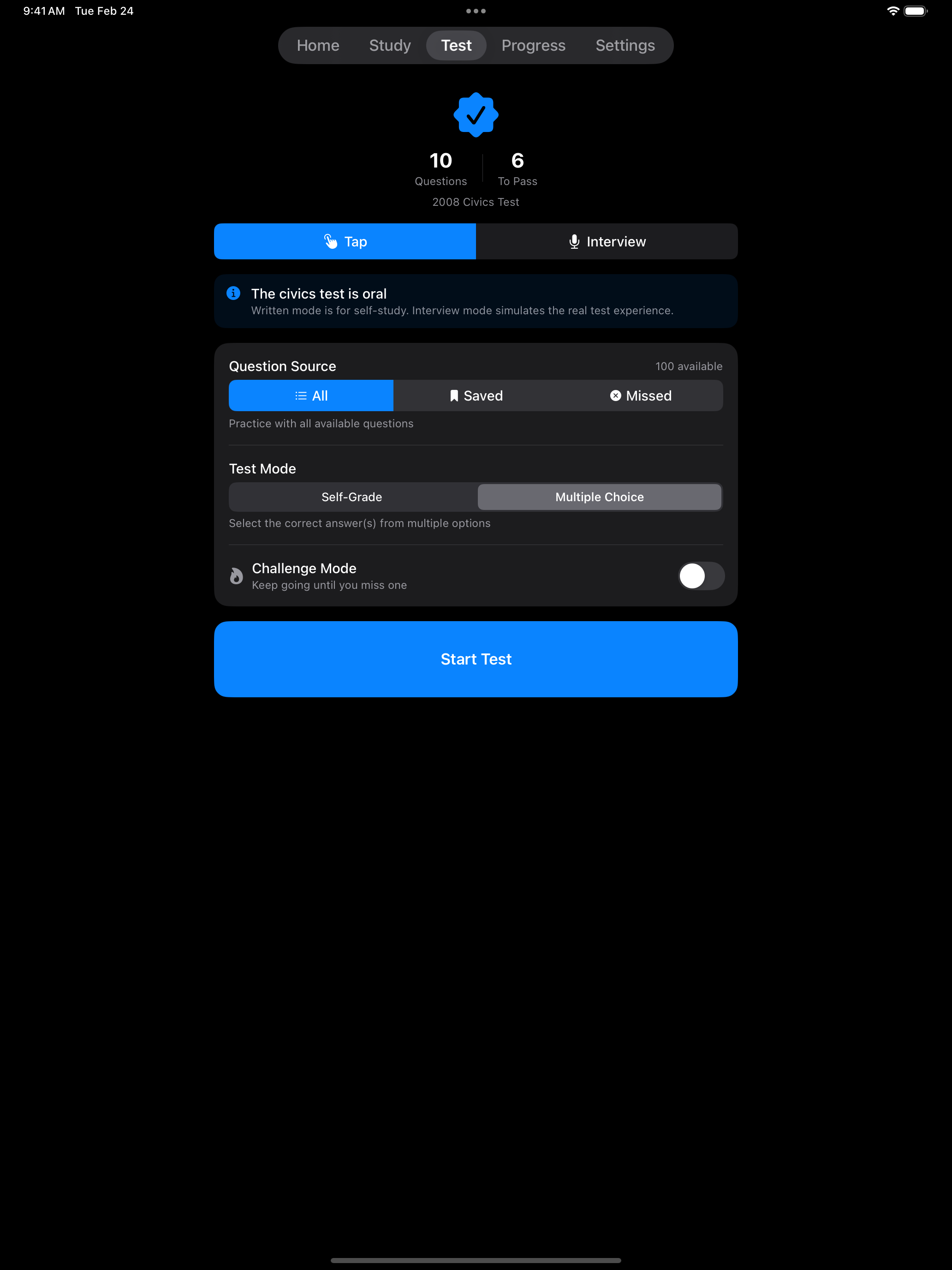
The screenshot above shows the Tap Mode setup screen with Multiple Choice selected. Under Question Source, choose All, Saved, or Missed. Missed requires Pro and builds a test from the questions you have answered incorrectly before. Turn on Challenge Mode to keep answering until you miss one. Interview Mode has the same Question Source and Challenge Mode options.
Multiple Choice Mode
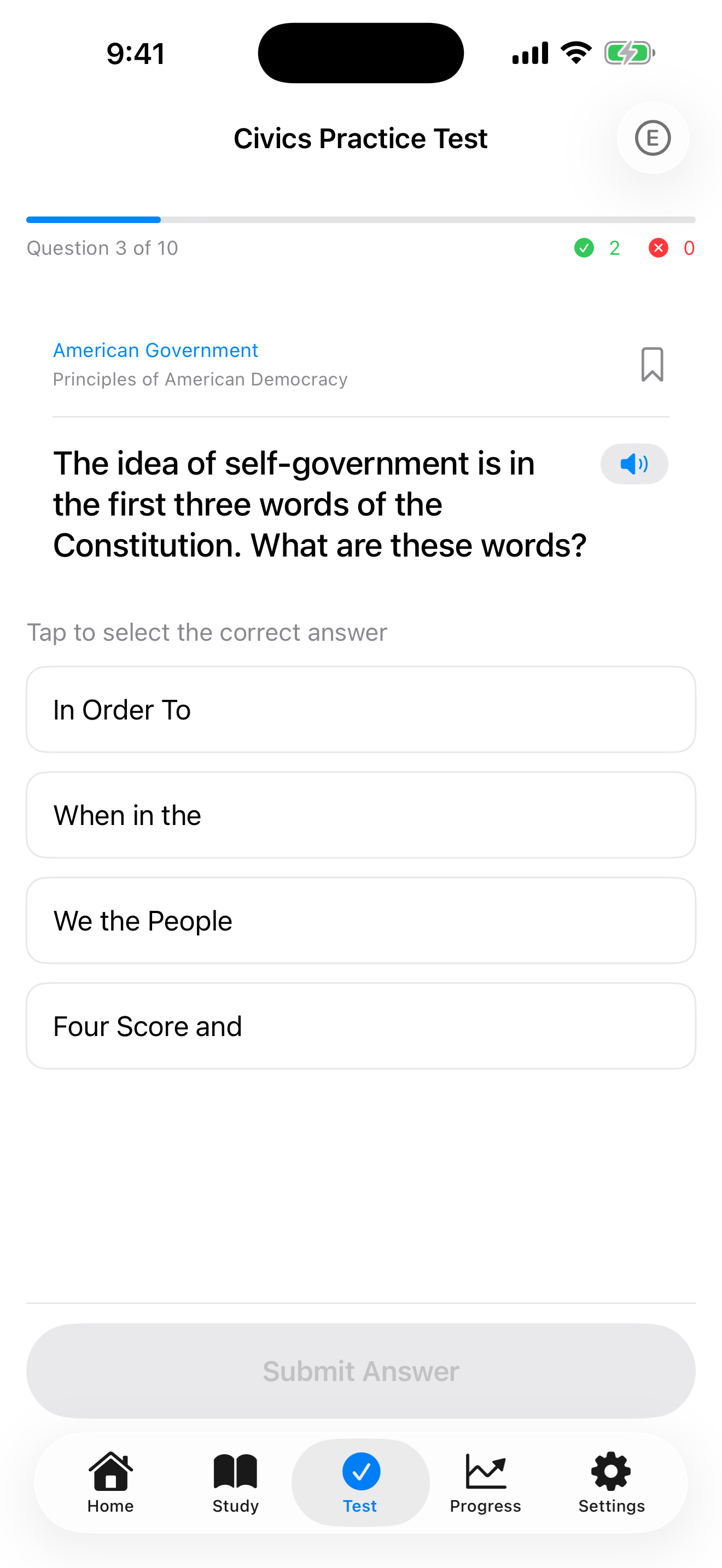
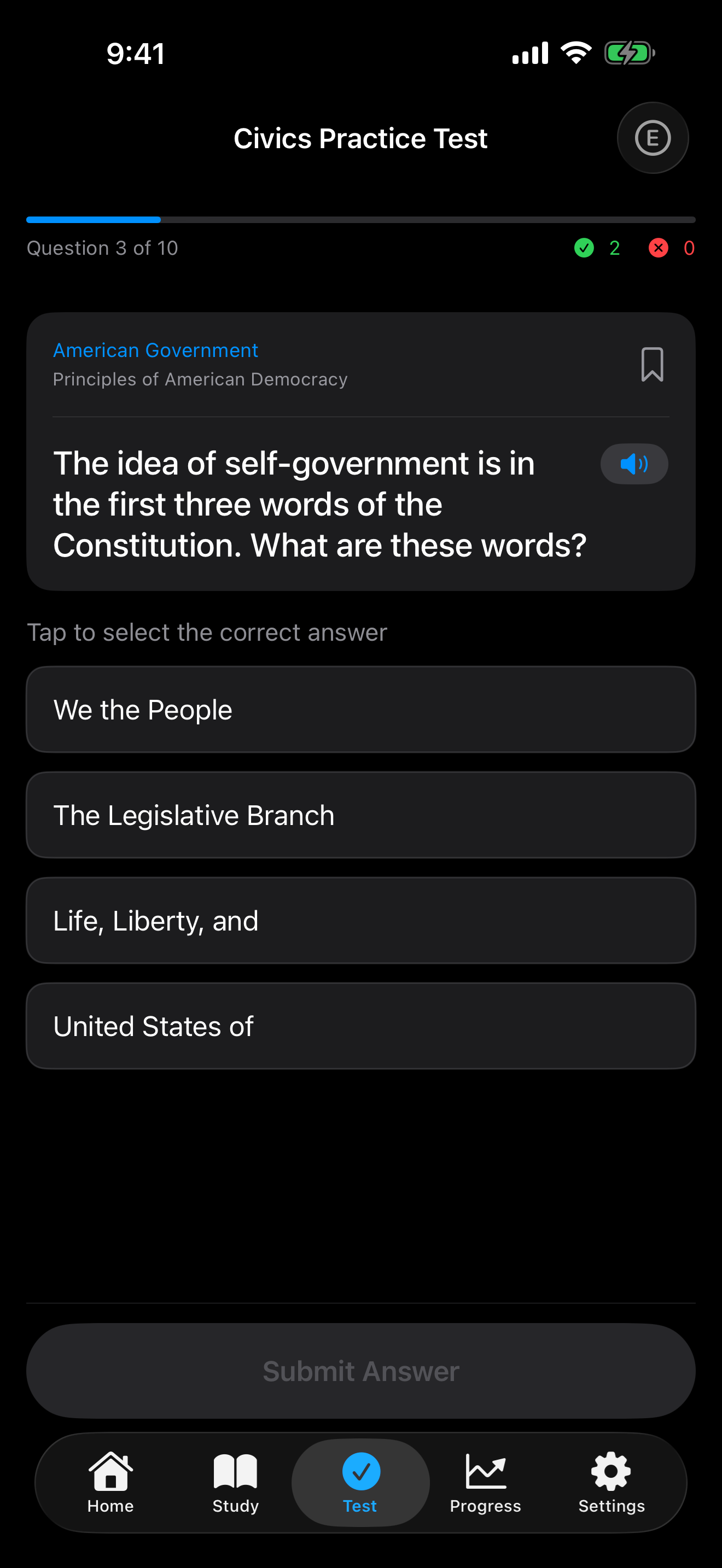
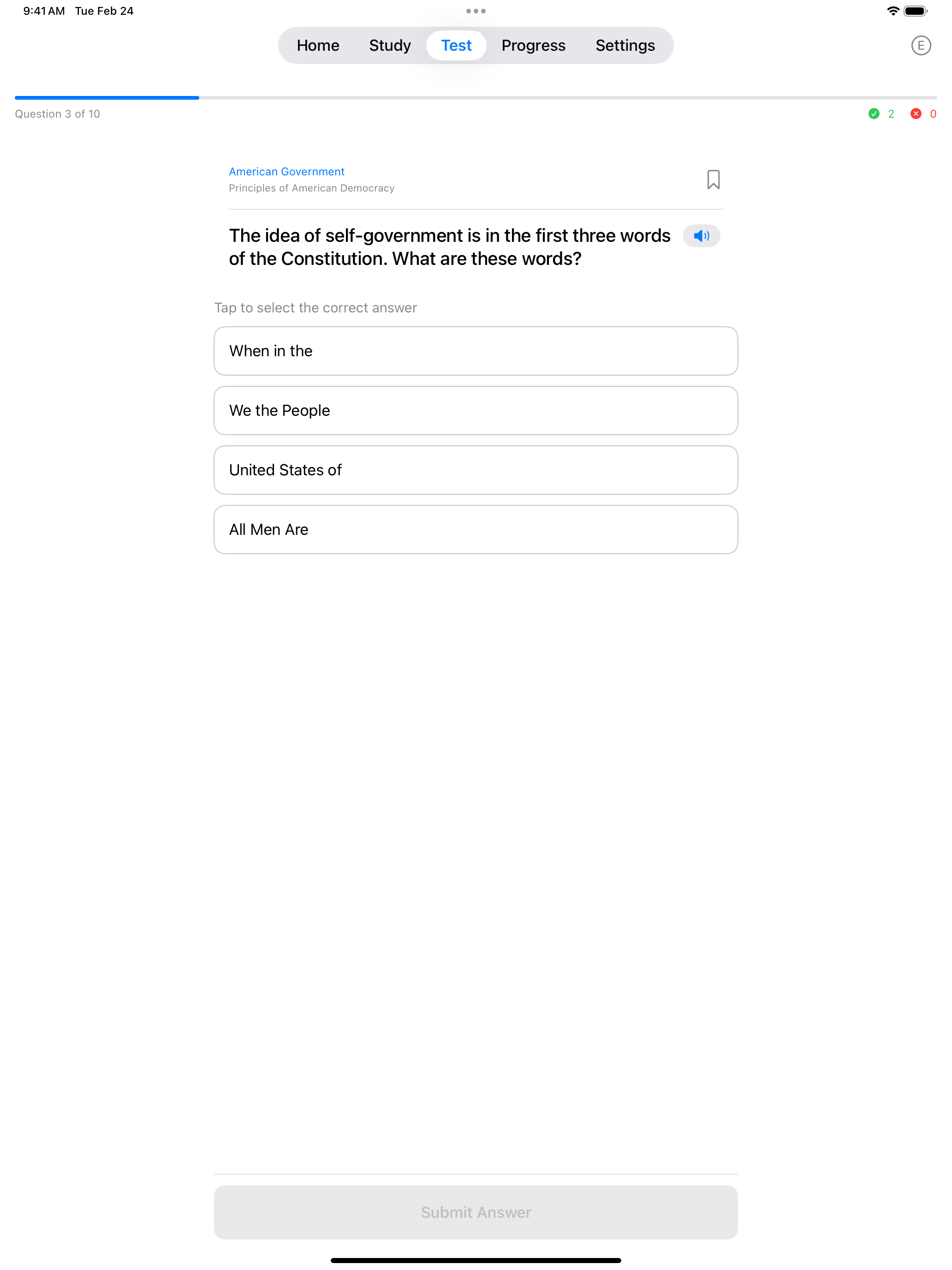
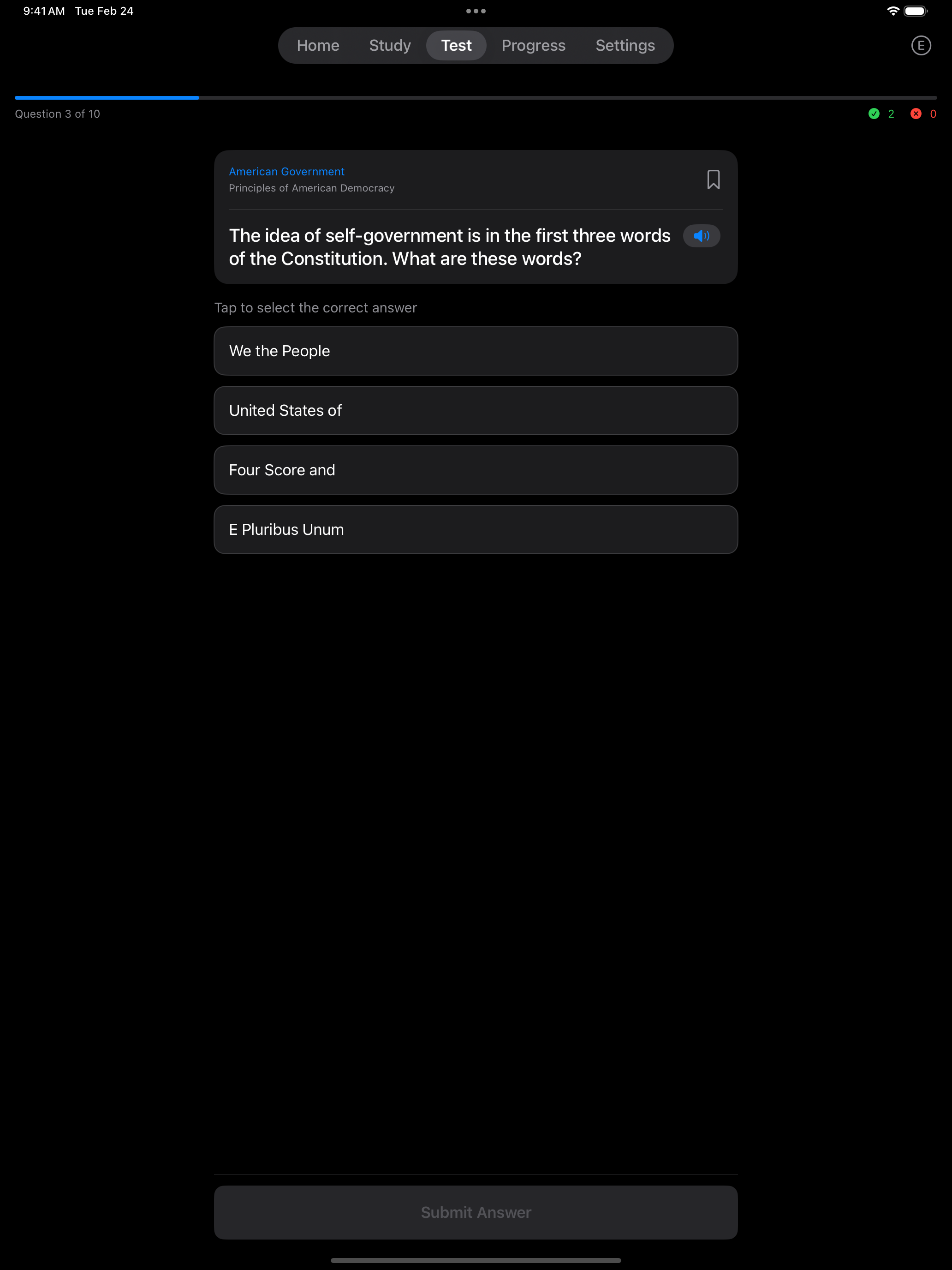
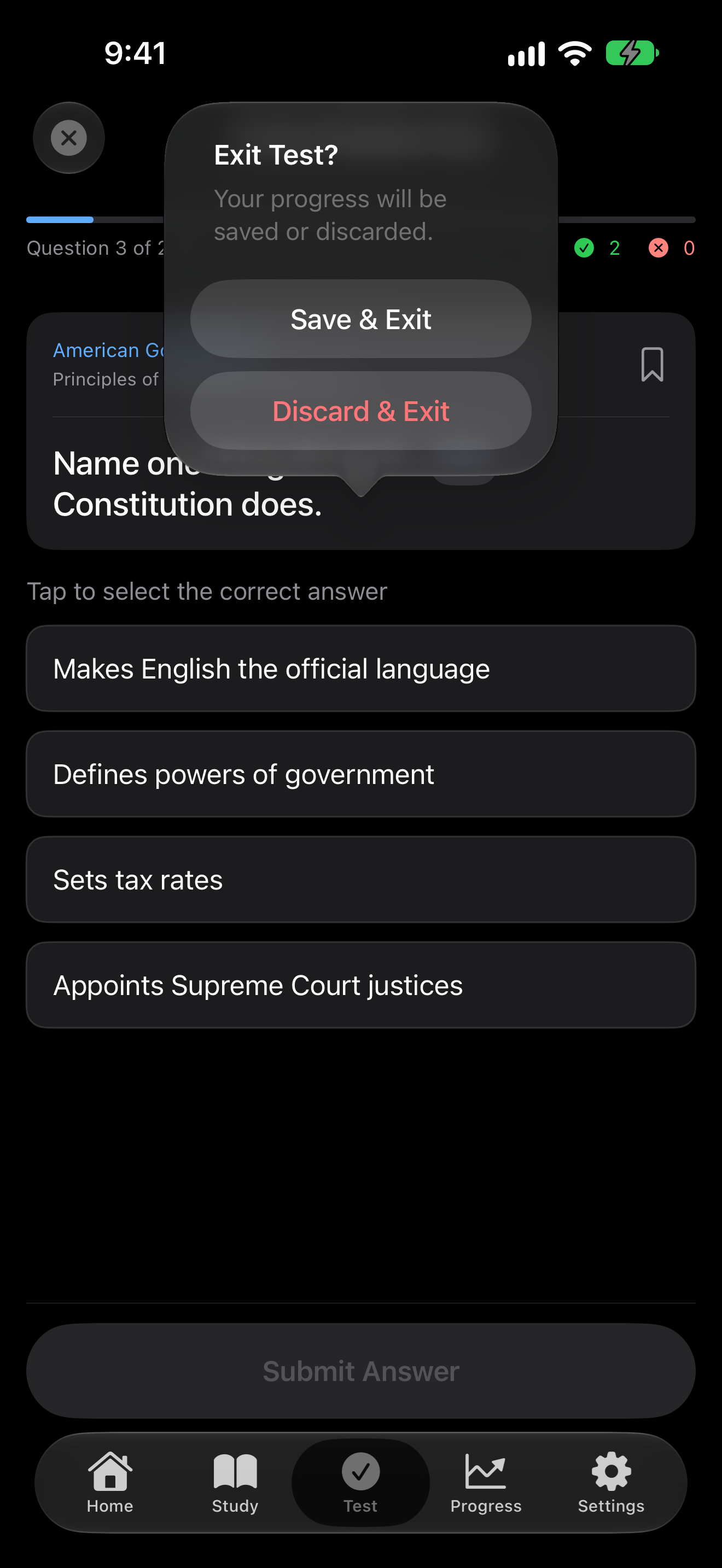
In Multiple Choice mode, each question displays several answer options. Select the correct answer and tap Submit Answer to check your response. When a question asks for more than one, such as “Name two national U.S. holidays,” the screen says how many to pick, and Submit Answer turns on once you have picked that many. The app gives you instant feedback (green with a checkmark for correct, red with a cross for incorrect) so you learn as you go.
The question and its options are in the language you study in. With the app in Spanish, for example, every option is in Spanish, and turning on Study in English Only puts them back in English. The globe button at the top of the screen switches it too. Names of officeholders and state capitals, and the wrong names beside them, stay as they are written. Grading uses the English answer behind each option, so your score and your missed questions are the same in any language.
The wrong options are checked against the USCIS answers, so none of them is actually a right answer, and the right option does not stand out by how it looks, for example by being the only one with words in parentheses. The app writes such answers out in full, “Thomas Jefferson” rather than “(Thomas) Jefferson”. Flashcards and Interview Mode still show the answers as USCIS prints them.
Once you are comfortable with the material, it is time to practice the way the real test works: out loud.
Interview Mode
Interview Mode simulates the real USCIS interview experience:
- You tap the speaker to hear the question read aloud using text-to-speech
- You tap the microphone button and speak your answer
- The app uses speech recognition to turn your answer into text
- The app grades it against the answers USCIS accepts, as described in How Interview Answers Are Graded
See Interview Mode for each step in detail.
Interview Mode is the closest experience to the real test. Practice this mode when you feel confident with the material.
Before You Start
Interview Mode needs the microphone and speech recognition to hear your answers. Until both are allowed, the Interview tab shows a card that says so, with an Enable button, and Start Interview stays off.
- Enable asks iOS for speech recognition, then for the microphone
- iOS asks only once. If either was turned off earlier, the card says so and Enable opens the app’s page in the iOS Settings app instead. Turn both on, come back, and Start Interview turns on
- If Screen Time or device management restricts speech recognition, the card says so and has no Enable button, because there is no switch to turn. Use Tap Mode, which needs neither permission
- A saved interview can still be resumed without them. You type your answers instead


How Interview Answers Are Graded
Interview Mode compares what you said with every form of the answer USCIS means, not only the exact words on the list:
- Optional words. Words in parentheses can be said or left out, so “(Thomas) Jefferson” accepts “Jefferson” and “Thomas Jefferson”
- Numbers. Words and digits both count. “One hundred” and “100” are the same answer, and “the Fourth of July” answers “July 4”
- Other forms of a word. Another tense or form of the answer’s words counts (“fight” for “fought”), and so does a slip of a letter
- Names. For any officeholder, including your governor, senators and representative, a surname alone counts. A surname of two words, such as Van Hollen, counts only whole. Every form of the name that USCIS lists for the President, Vice President, Speaker of the House and Chief Justice counts too
- Tribes. “Name one American Indian tribe” takes any federally recognized tribe, not only the ones printed
- Several answers. A question that asks for two or three takes them one at a time or together. Giving an answer you already gave shows “You already gave …” and does not use up a try
An answer that names a different number, direction or person, or says the opposite of the right one, is still wrong however close it sounds. USCIS accepts right answers beyond the ones it prints, and the app cannot know them all. If it marks a right answer wrong, tap Count as Correct and it counts.
Tap Mode and Interview Mode share the same test format.
Practice Test Format
Each practice test uses the question count and passing score of the real USCIS civics test:
- 2008 Test: Selects 10 random questions from the question pool. You need 6 correct to pass.
- 2025 Test: Selects 20 random questions from the question pool. You need 12 correct to pass.
- Questions are shuffled each time for a fresh experience
- Outside Challenge Mode, a practice test asks every question it selected, even after you reach a passing score. At your interview, the officer stops early.
- Interview tests end with a list of every question and whether you got it right, and Tap Mode tests offer the same review with Pro
Leaving a Test
Tap the close button at the top left during a Tap or Interview test to leave it early:
- Save & Exit keeps the test so you can finish it later, after the last question you answered
- Discard & Exit deletes the test. It is not added to your history, but a question you already missed stays on your Missed list
- Continue Test, or a tap outside the dialog, goes back to the test
Either way you return to the start screen. A saved test waits there in a Continue Test? banner, which says whether it is a Tap mode or an Interview mode test and how many questions you have answered. Resume opens it in the mode you took it in, so a saved interview picks up in Interview Mode, and the menu beside it offers End & Score or Abandon. Unfinished tests are also listed at the top of the Progress tab.



Questions About Where You Live
A few questions depend on where you live or on who holds an office right now. The app fills in the current President, Vice President, Speaker of the House and Chief Justice for everyone. Your governor, senators and state capital come from where you live in Settings → Your Location, which entering a zip code sets for you. The list holds the 50 states, the District of Columbia and the five U.S. territories, which are Puerto Rico, Guam, the U.S. Virgin Islands, American Samoa and the Northern Mariana Islands.
In D.C. and the territories, the senators question has the answer USCIS gives there, that D.C. or the territory has no U.S. senators. A territory’s governor and capital are its own. For D.C., the answers are that it has no governor and, not being a state, no state capital.
“Name your U.S. Representative” needs your zip code. The app works out the congressional district that covers it and answers with that one representative. Zip codes that are split between two or more districts are listed as a choice instead, and until you pick your district, any of the listed names is graded as correct. In D.C. and the territories, the answer is that place’s Delegate to the House, or for Puerto Rico its Resident Commissioner. Neither votes on the House floor. In a territory, Interview Mode also accepts saying that the territory has no voting representative in Congress, as USCIS does.
Multiple Choice skips any of these questions it cannot grade for you and fills the test with other questions. It asks “Name your U.S. Representative” whenever exactly one name applies, which means a zip code inside a single district or a district you have picked. If a state or zip code is missing, flashcards and Self-Grade say which one to add, and Interview Mode shows a reminder with the question. When your district is still undecided, the reminder asks you to pick it. See Getting Started for setup.
65/20 Test
When 65/20 Consideration is enabled in Settings, practice tests draw 10 questions from a specially designated pool of 20 questions instead of the full question set. You need 6 out of 10 correct to pass. You can focus your study on just the 20 questions marked with an asterisk (*).
This applies if, on the date you file Form N-400, you are 65 or older and have been a permanent resident for 20 or more years. You may take the civics test in your own language. If you do, you must bring your own interpreter to the interview. You are also exempt from the English test, so you skip the reading and writing portions. See Getting Started for more details on the 65/20 consideration.
Tips for Success
- Start with Study Mode flashcards to learn the material
- Use Tap Mode to test yourself on what you have learned
- Graduate to Interview Mode for realistic spoken practice
- Review wrong answers to strengthen weak areas, and with Pro, build a test from them with the Missed question source
- Practice daily to build a study streak and keep the material fresh
USCIS Resources
Official study materials and references from U.S. Citizenship and Immigration Services:
- USCIS Study Materials, the official study page with practice materials
- 2025 Civics Test, the official page for the 2025 version, which applies if you filed Form N-400 on or after October 20, 2025
- 2025 Civics Test Questions (PDF), all 128 questions and answers
- 2008 Civics Test Questions (PDF), all 100 questions and answers
- USCIS 2008 Civics Practice Test, a free online practice test that covers only the 2008 version, which applies if you filed before October 20, 2025
- Test Updates, the latest information on test changes and current officials
The app includes all official questions from both test versions. The PDFs above are useful as portable references you can print or review offline.