Study Mode
Overview
Study Mode is your primary learning tool. Instead of testing yourself, Study Mode lets you learn the civics questions and answers at your own pace using flashcard-style cards.
Flashcards
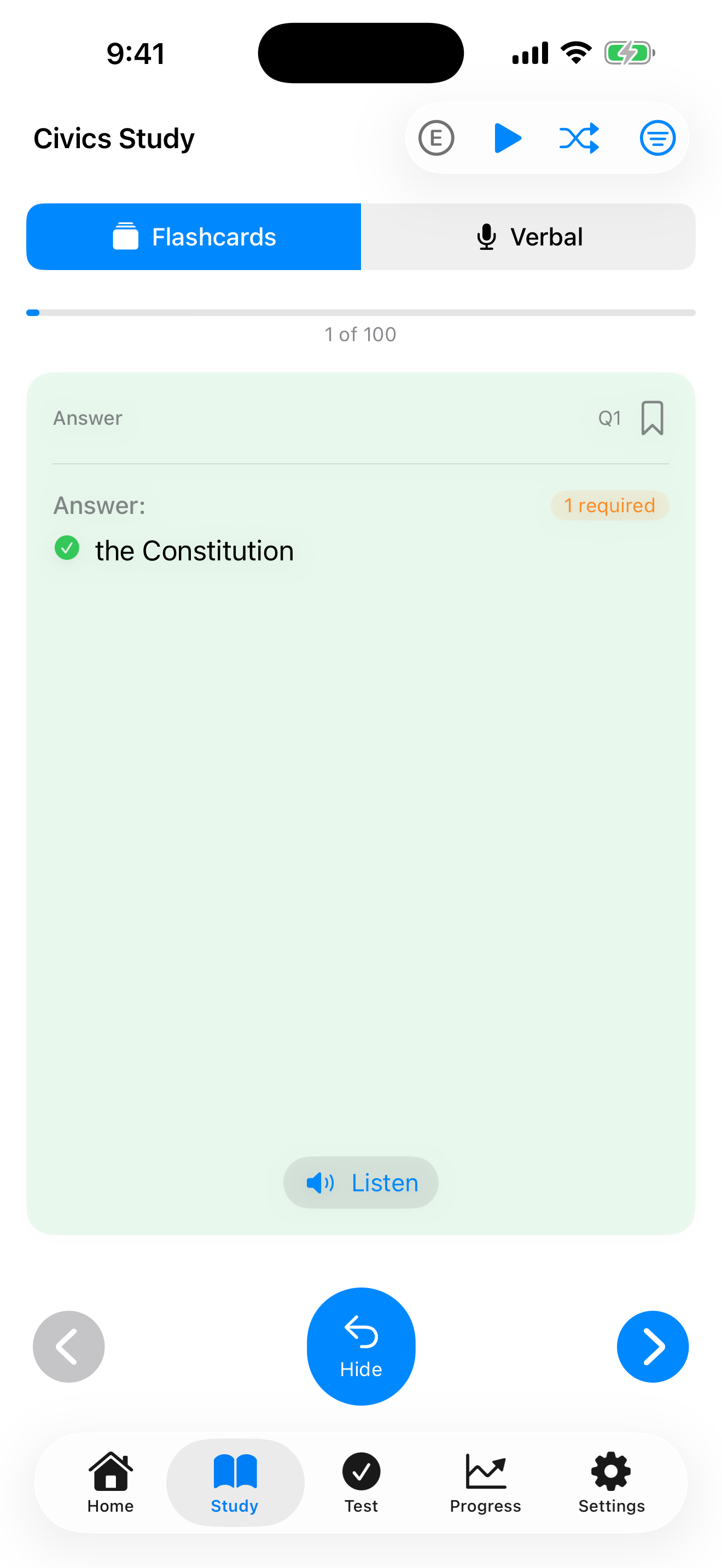
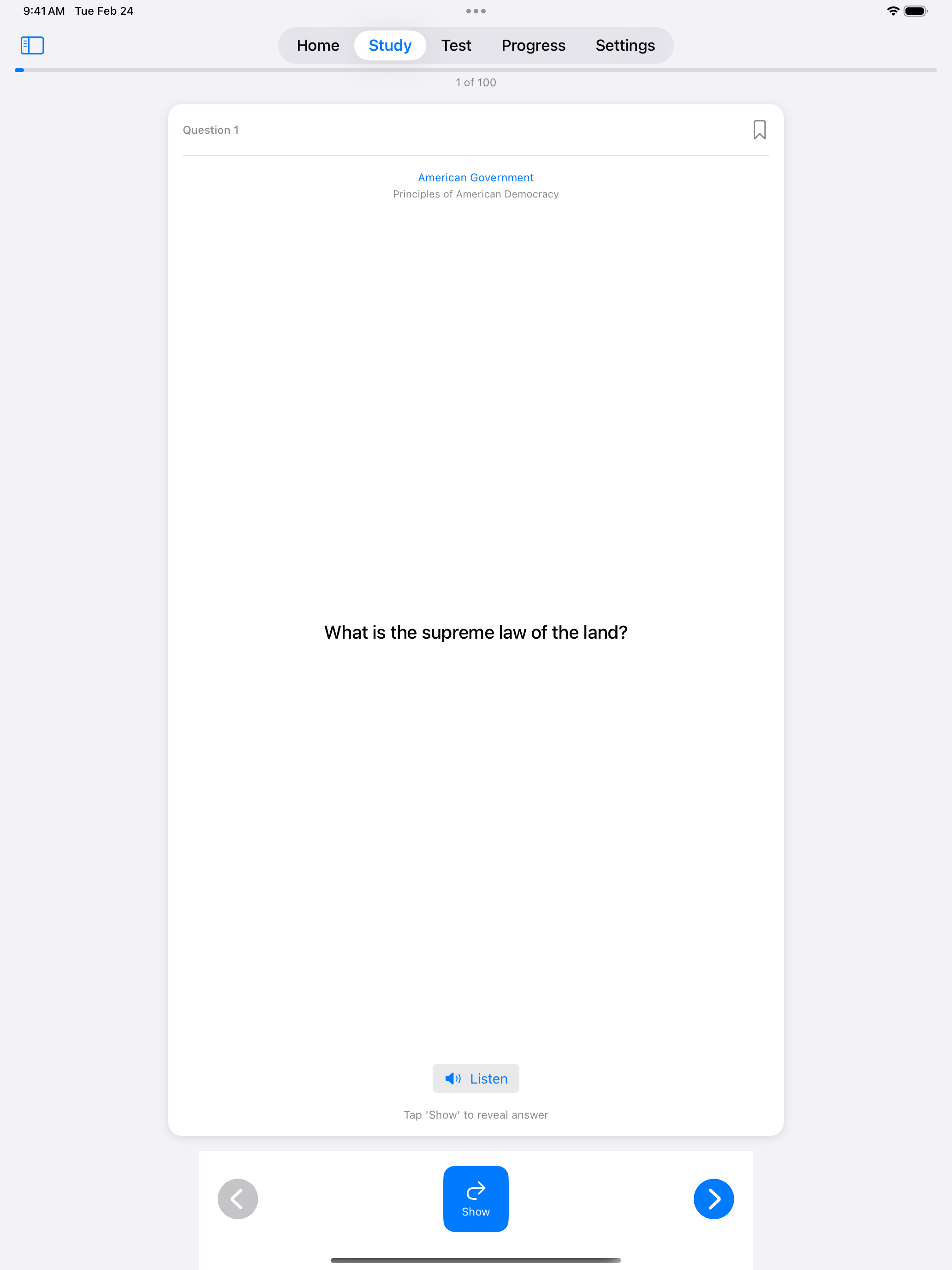
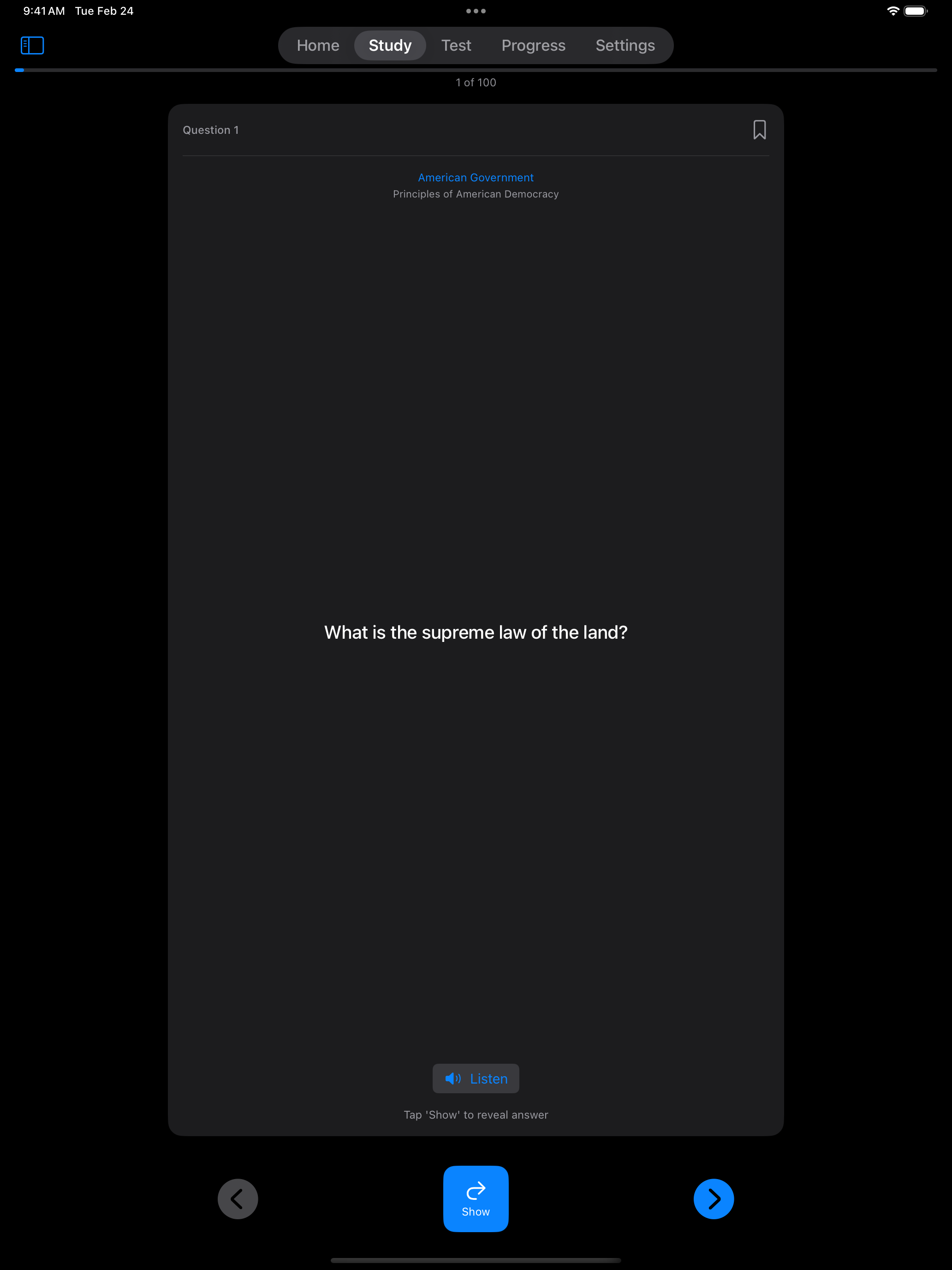
Each flashcard shows a civics question on the front:
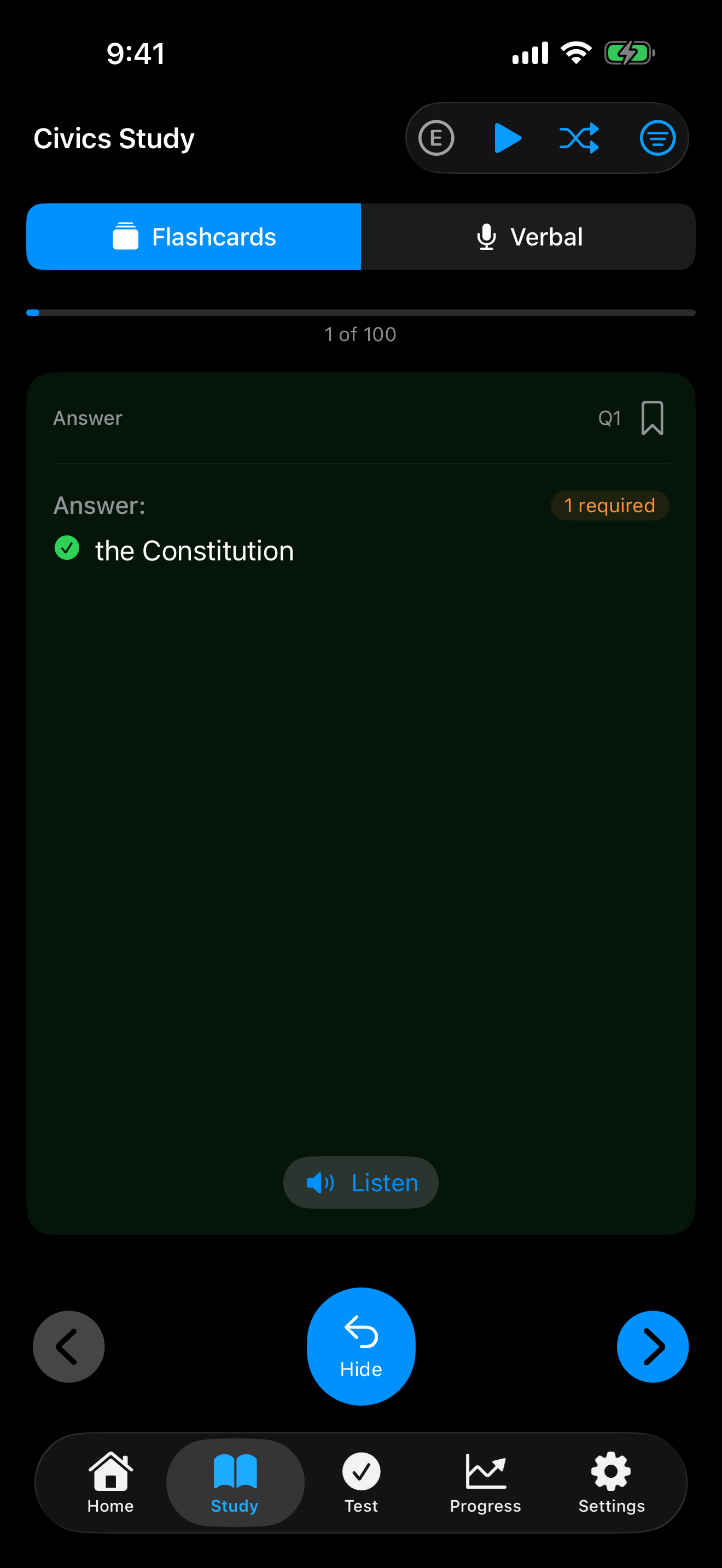
- Tap Show below the card to flip it and reveal the answer, and Hide to flip it back. With Reduce Motion on, the card fades from one side to the other instead of flipping
- Where USCIS prints a note with the answers, such as where to find every federally recognized tribe, it appears under them
- Tap the arrow buttons to move to the previous or next question
- On iPad, tap any question in the list to jump straight to it
- Tap Listen to hear the question or its answers read aloud
- The shuffle button randomizes the deck, and its icon fills in while the deck is shuffled. Tap it again to go back to official question order, starting from the first card
- The play button starts Autoplay, which reads the question, flips the card, reads the answer and moves to the next card
- Long questions and answers scroll inside the card
- Work through the entire question set at your pace



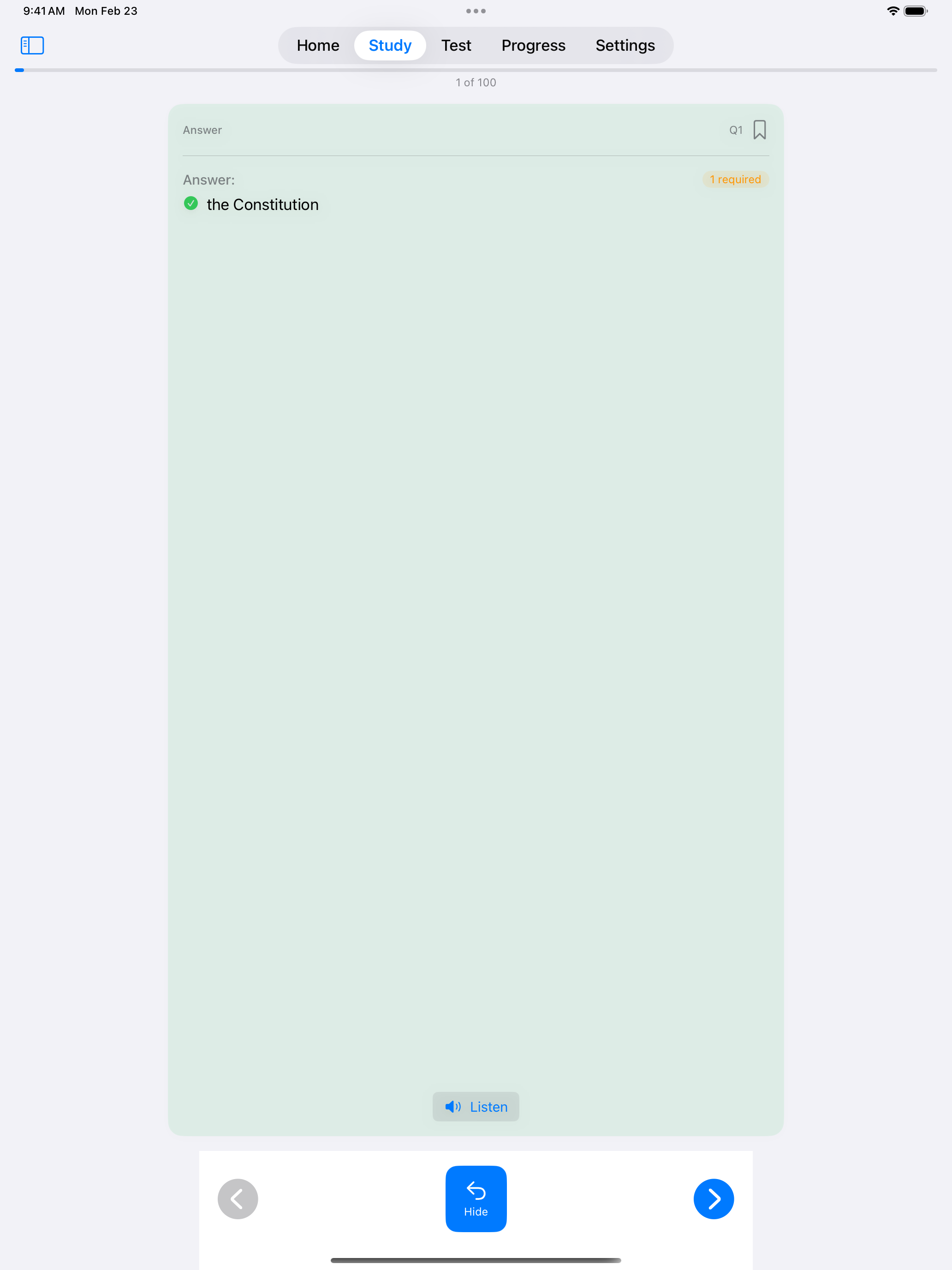
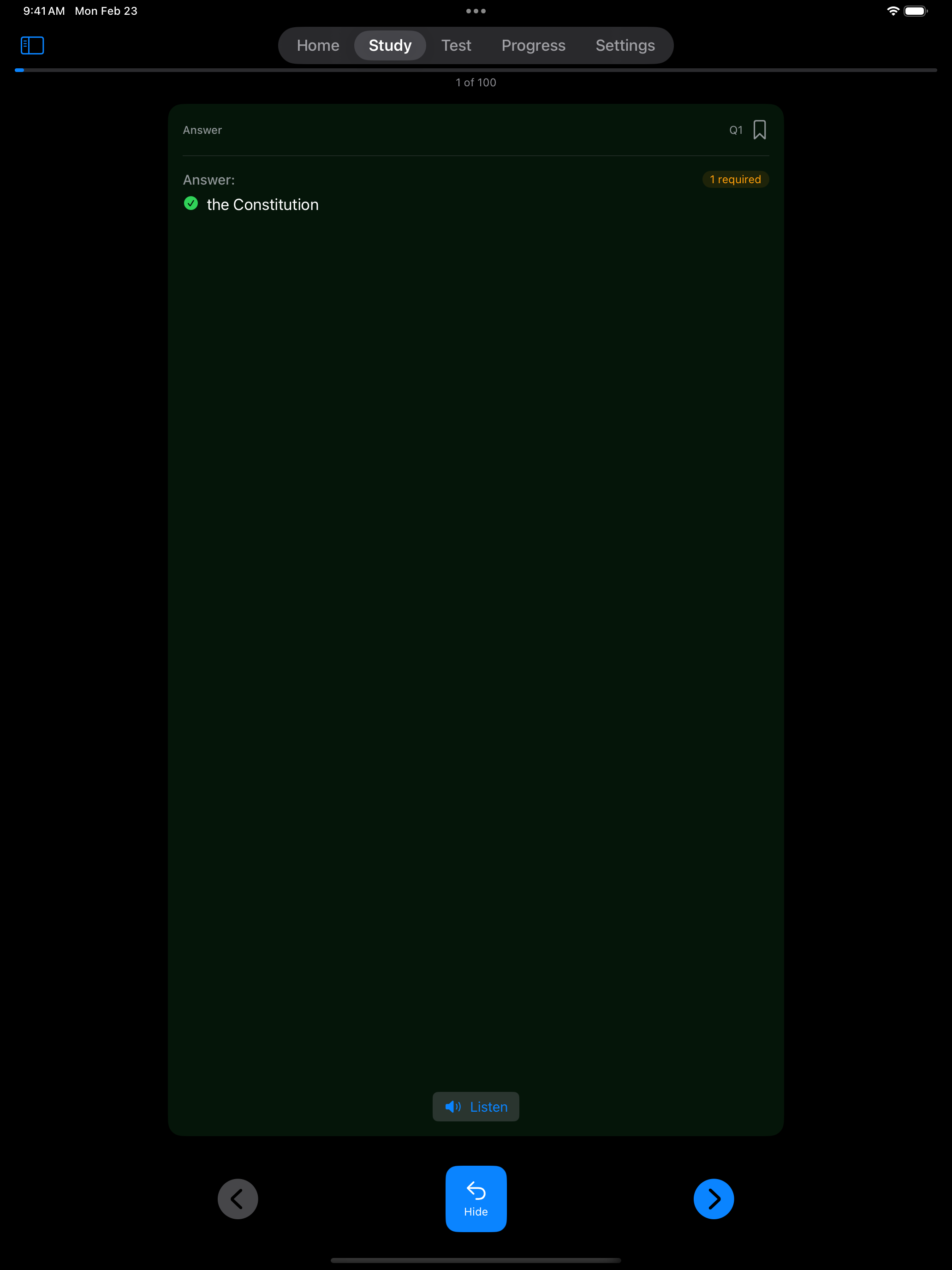
Flashcards are the best way to start. Go through all the questions once to see what you already know, then focus on the ones you don’t.
Once you are comfortable recognizing the answers, take it a step further by practicing out loud.
Verbal Practice
Switch the picker at the top of Study from Flashcards to Verbal to answer out loud.
- Tap the speaker to hear the question read aloud
- Tap the microphone and say your answer. Tap it again when you finish.
- Check what the app heard, then tap Submit to grade it or Try Again to answer again
- Tries are unlimited. Show Hint displays the question text, and after two tries, or as soon as a recording hears nothing, you can type your answer instead.
- Answers are graded the same way as in Interview Mode. See How Interview Answers Are Graded. If the app marks a right answer wrong, tap Count as Correct.
- The shuffle button switches between random order and official question numbering
- The filter button limits practice to your Saved questions, or to Missed questions with Pro
- Great preparation for Interview Mode and the real test


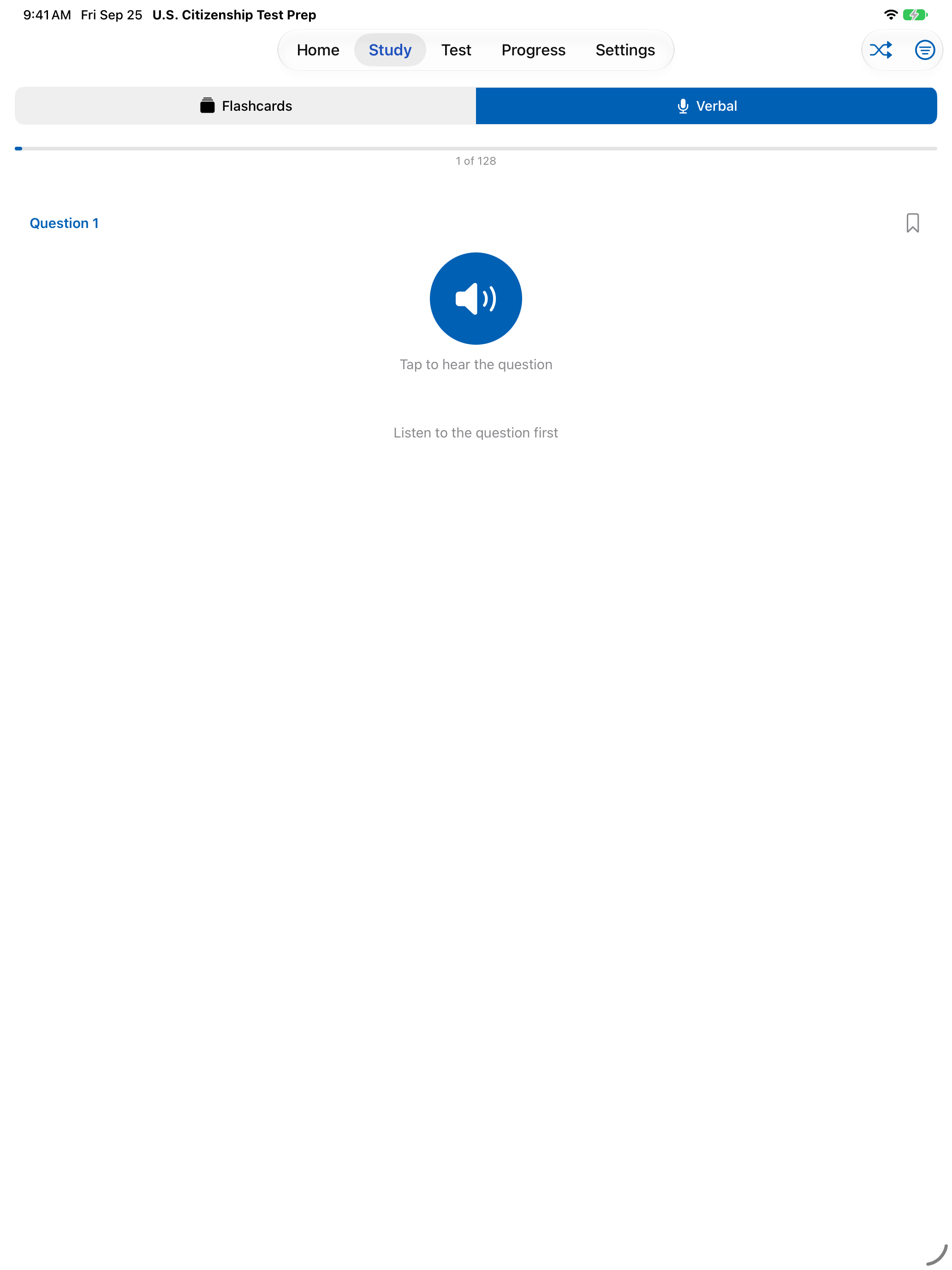

The most effective study happens daily, even if only for a few minutes. The app helps you build that habit.
Study Streaks
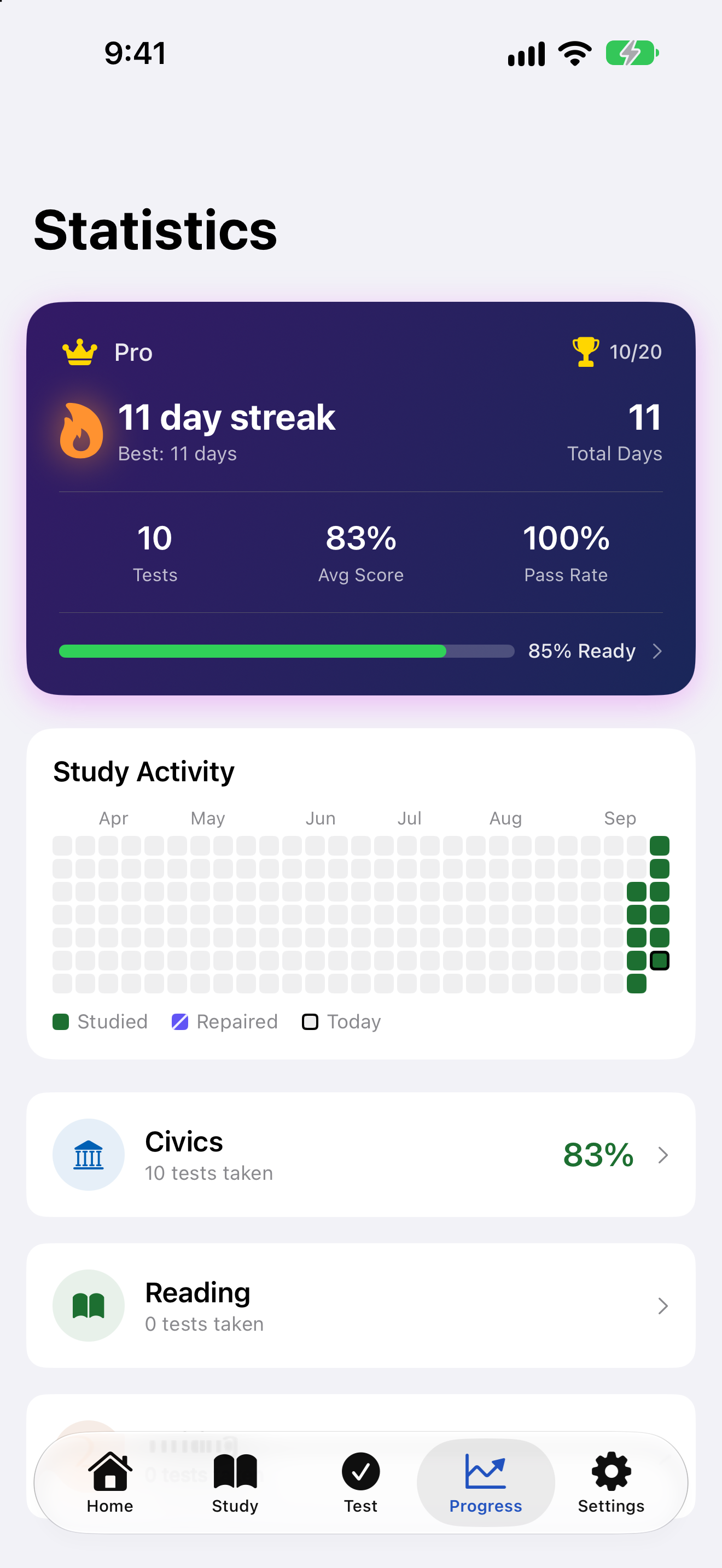
Your streak lives on the Progress tab, next to your test statistics.
- A day counts when you finish a civics, reading or writing test, answer a question in Interview Mode or verbal practice, reveal a flashcard answer, or study reading or writing items
- The streak counter shows your consecutive days of study. If you miss a full day, your current streak goes back to 0
- Pro adds your best streak, your total study days, the activity grid and streak milestone notifications Pro
- Miss only a day or two and a streak repair can bridge the gap. Pro includes one free repair a month
- Building a daily habit is one of the best ways to prepare
You do not need to study for hours. Ten or fifteen minutes a day beats an occasional long session.


As you progress, you will want to spend less time on questions you already know and more time on the ones that challenge you.
Filtering Questions
Tap the filter button in the toolbar to narrow what you study.
- All shows every question in your current question set, or only the 20 designated questions when 65/20 Consideration is on
- Saved shows the questions you bookmarked
- Missed shows questions you answered wrong. Without Pro it shows a lock and cannot be selected Pro
- By Section narrows the list to one section, and you can then pick a single topic within it


